How To Use A Botanist In Schedule 1
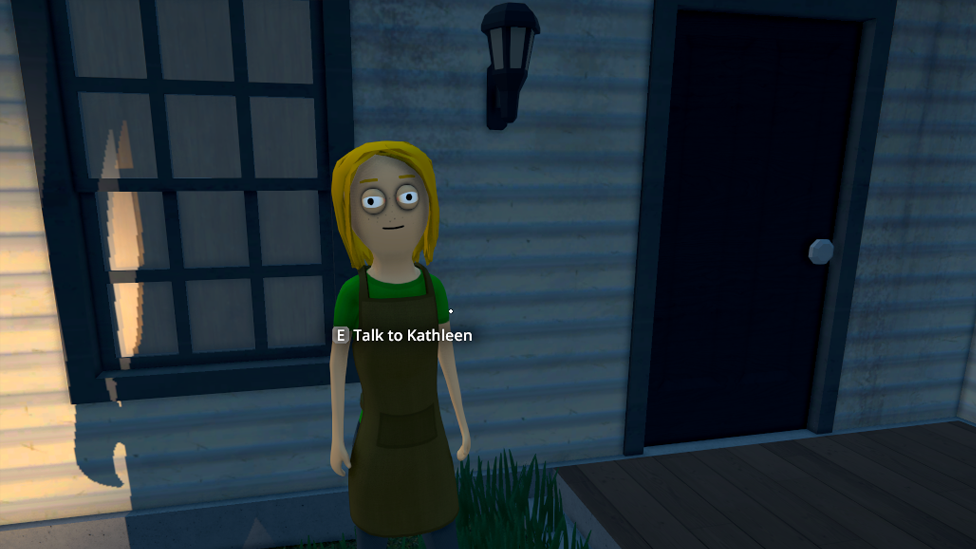
So, you’ve clawed your way up the greasy ranks of Schedule 1, and it’s time to expand your crew beyond yourself and your crusty stash box. Say hello to the unsung hero of your operation: the Schedule 1 Botanist. These plant-whisperers are here to take your weed and coke game to new heights—literally and financially. Let’s break down exactly how to get one, set them up, and avoid the classic “why the hell isn’t my Botanist working” problem.
Why You Need a Schedule 1 Botanist
Make Your Own game Server
In Schedule 1, you start out doing everything yourself—planting seeds, harvesting buds, selling your green gold in back alleys. It’s cool at first, but eventually, you’ll want to grow more and grind less. Enter the Schedule 1 botanist. These folks take care of planting and harvesting your weed and coke seeds. And when set up right, they’ll keep the product rolling while you focus on the big boss moves—like empire expansion, staff management, and maybe finally buying pants that aren’t stained with fertilizer.
How to Hire a Botanist in Schedule 1
First things first: you gotta unlock the warehouse. This place is your illegal shopping mall, and it unlocks when you hit Hoodlum V in the main quest. Once you get access, head inside and talk to Manny the Fixer. He’s your sketchy guy for all staff hiring, and yes, he’s the only one you can trust to bring in someone who knows how to grow plants instead of smoke them. Here’s what hiring a Schedule 1 botanist costs:
- $1,000 upfront
- $200 daily (you pay this into the suitcase at the foot of their bed) Make sure you’ve got the funds—and an actual bed for them. No bed = no Botanist. You can place beds anywhere you own property (Sweatshop, Bungalow, Barn, Docks, etc.), but it’s best to keep it near their work area. Proximity is productivity, folks. Hot tip: Don’t feel like refilling their pay every single day? Stuff a whole bunch of cash into their suitcase in one go. That way, you can worry less about payroll and more about production.
How to Assign Your Botanist (And Actually Get Them to Work)
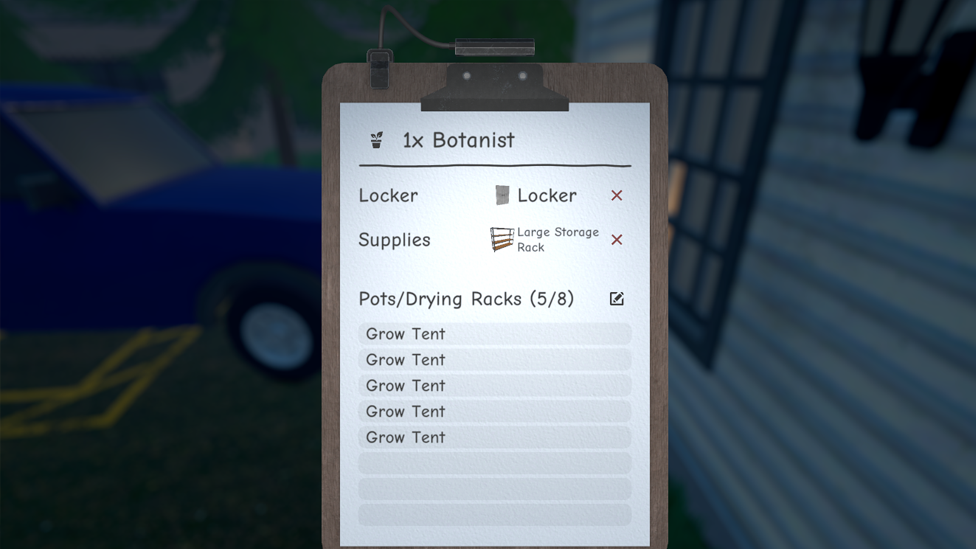
Hiring them is only step one. Now you need to know how to assign botanist Schedule 1—and this is where most players start yelling at the screen. Here’s the setup on how to use botanist Schedule 1:
- Open the Management Clipboard – This is your hub for assigning tasks and workstations. If you haven’t used it yet, welcome to your new best friend.
- Click on your Botanist – Select them and get ready to micromanage like a proper kingpin.
- Assign storage shelves – They’ll need a shelf with seeds and soil (plus any extras like fertilizer or Quick Grow if you’re feeling fancy).
- Assign grow boxes/pots – Pick the actual pots where they’ll be planting.
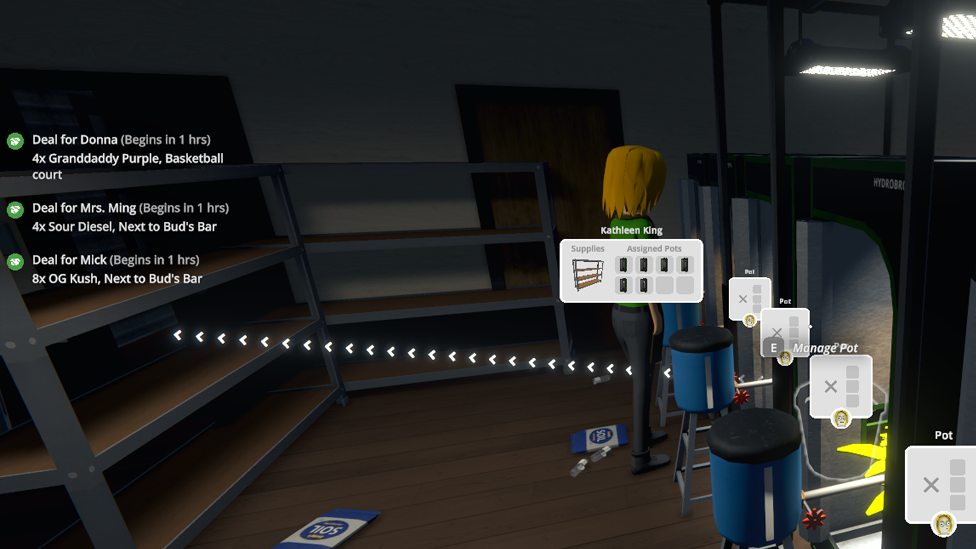
- Manage Pot > Assign output storage – This tells the game where your Botanist should put the finished product. Think of it as a plant-to-shelf pipeline. That’s it. Once all this is connected and your Botanist has a funded bed, they’ll get to work.
Why Your Botanist Might Not Be Working (And How to Fix It)
Okay, so you followed all the steps, but your Botanist is just standing there like a useless NPC. Deep breath. Let’s troubleshoot. Here’s a quick checklist:
- Do they have a bed assigned to them?
- Is there cash in the suitcase at the end of their bed?
- Have you assigned them to storage shelves with seeds and soil?
- Are they linked to grow boxes?
- Is there a linked output shelf using Manage Pot? If any of these are missing or not properly linked, your botanist schedule 1 won’t do a thing. Fix the chain, and they’ll snap back to life. Bonus Pro Tip: Don’t Forget the Packers Remember, botanists only grow the goods. They don’t package anything. So once your plants hit the shelf, it’s time for Packers to step in. Make sure you assign Packers to the same shelf your Botanist is dropping product onto, and connect it to a packaging station. That way, your business doesn’t bottleneck at the shelf like a weed-fueled traffic jam.
The Ultimate Gaming Experience With Scalacube
If you want smooth gameplay, no lag, and complete control, ScalaCube's game server hosting is the way to go. ScalaCube is designed for gamers who require dependability and speed, with 99.9% uptime, 0% latency, and bespoke server settings to match your specific setup. With complete FTP access, mod and plugin support, automated backups, and 24-hour support, you'll be well prepared to host long sessions without interruptions. DDoS protection and global server locations ensure that your empire remains safe and online at all times.
Wrapping Up
Mastering the Schedule 1 botanist setup is key to scaling your empire from “guy who sells dime bags” to “drug tycoon of Hyland Point.” Assign them right, keep them funded, and make sure they’ve got everything they need—and they’ll keep your operation lush and loaded. Running an empire isn't just about power—it's about delegation. And with the right Botanist, you're one step closer to building an empire that even Uncle Nelson would be proud of.
FAQs
How do I assign a Botanist in Schedule 1?
Use the Management Clipboard to assign them to storage shelves (with soil and seeds) and grow pots. Then use “Manage Pot” to link those pots to an output shelf.
Why is my Botanist not working in Schedule 1?
Double-check that they have a bed, cash in their suitcase, assigned storage, grow pots, and an output shelf. Miss one link in the chain, and they won’t function.
Do I need a Botanist for every property in Schedule 1?
Not necessarily—but if you want maximum output and efficiency, having a Botanist at each drug-producing property can help keep production steady.