How to Fix Filezilla 421 Too Many Connections Error
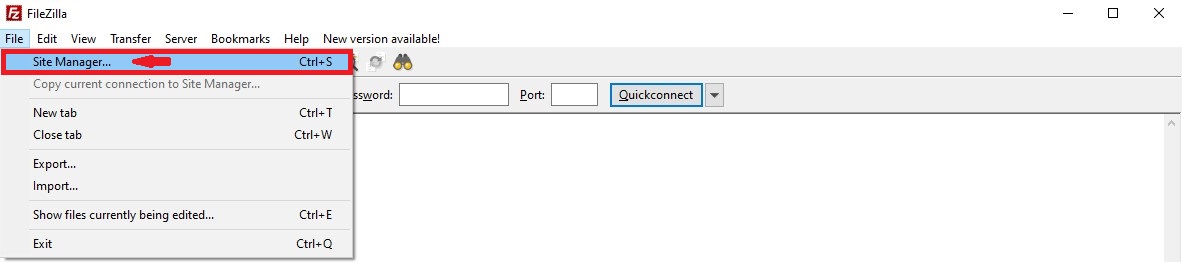
Open up Filezilla and click on "File" -> "Site Manager".
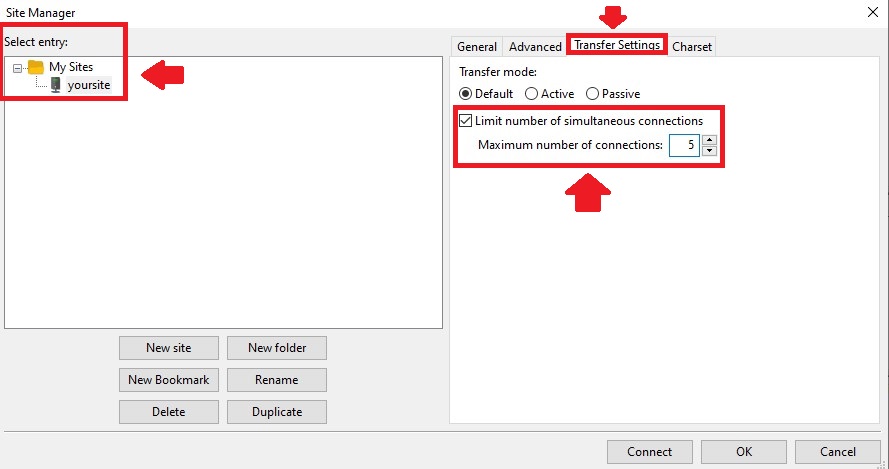
In the "Select Entry" section, choose your site and then click on "Transfer Settings".
Tick the box that says "Limit number of simultaneous connections" and fill out the "Maximum number of connections" field with your preferred amount.
To see our other guides on Minecraft server hosting, please visit Scalacube.com
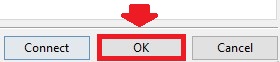
Once your chosen amount of connections is chosen, click on "OK" to save the settings.
Summary:
- Open Filezilla
- Select Site in Select Entry section
- Go to Transfer settings and connect