How to Use Rotors in Space Engineers
Make Your Own Space Engineers Server
But first, check out this awesome Space Engineers hosting!
Basic Functionality of Rotors
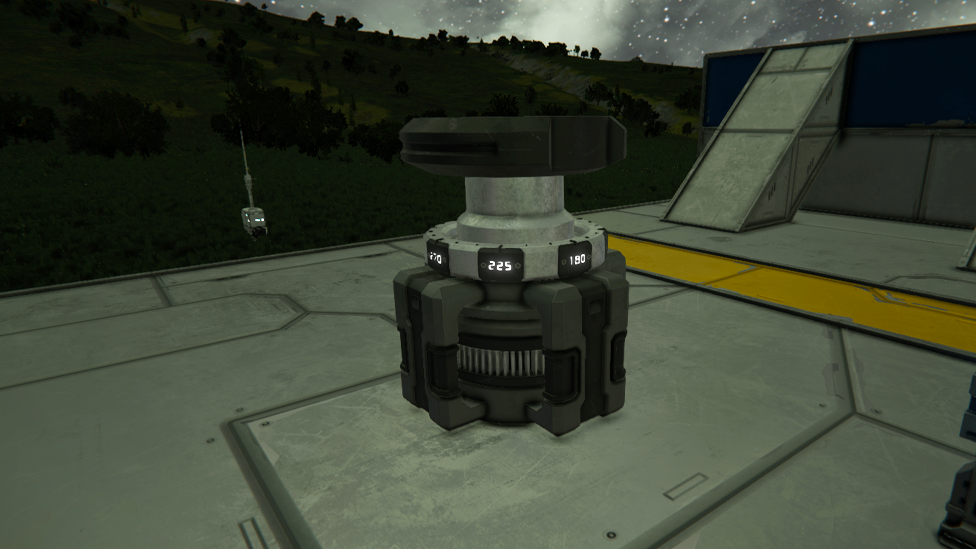
Strong, motorized blocks called rotors let you rotate attached blocks. They connect the rotor and the block installed on top of it on a grid-to-grid basis. The two components can share access, control, and power transmission thanks to this connection. However, it's crucial to keep in mind that without extra parts, like the Advanced Rotor, basic rotors cannot give inventory or conveyor network access.
Building with Rotors
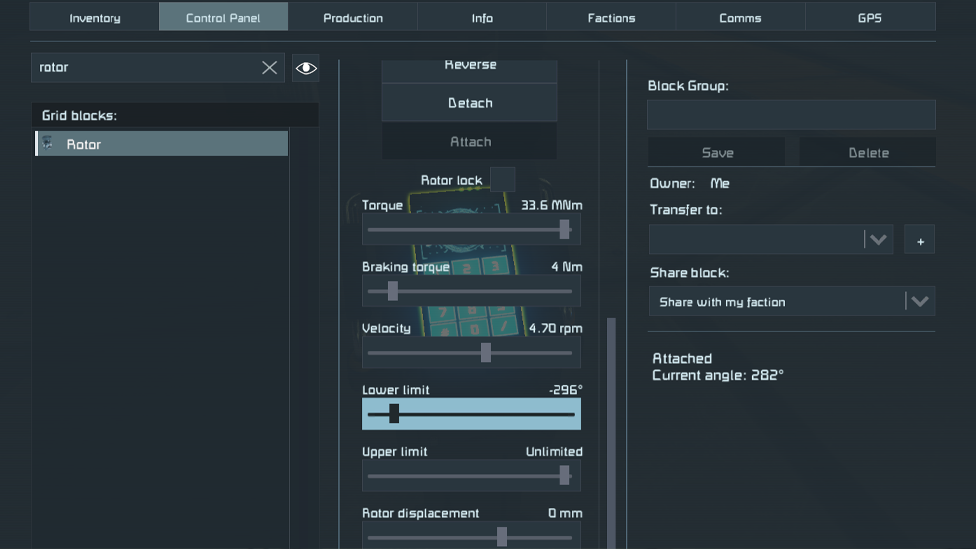
Place the rotor on your grid and connect the desired block to its top portion to begin utilizing it. After connecting the rotor and block, you can use the terminal interface to access the rotor's settings. Here, you can adjust a number of factors to obtain the desired behavior. Rotational speed, maximum turn radius, rotation power, braking force, and height are a few of the changeable options. These options provide you a great deal of freedom to design your own doors, revolving turrets, retractable landing gear, and other inventive devices.
Advanced Rotor
You can use the Advanced Rotor for functionality that is more advanced. Additional features introduced by this enhanced rotor include access to an inventory and conveyor network between the rotor and the associated block. You can create more complex systems that demand the exchange of resources and objects using the Advanced Rotor. When building intricate machinery or automated systems that depend on the smooth flow of materials, this is especially helpful.
Considerations and Limitations
Rotors have intriguing possibilities, but it's important to be aware of their constraints and potential problems, especially in setups with multiplayer or dedicated servers. Under some conditions, rotors can become unstable, causing sudden movement or vibrations that could lead to self-destruction. Due to this, it is essential to use caution while using rotors, especially in situations involving key structures or high levels of stress. Regularly saving your work in progress and maintaining backups can reduce the dangers posed by rotor-related instability.
Additional Resources
Consider watching lesson videos on websites like YouTube to deepen your grasp of rotor usage and explore more complex strategies. Numerous content producers offer thorough visual explanations and detailed step-by-step tutorials for using rotors in Space Engineers.
These films can be really helpful tools for learning real-world knowledge and coming up with innovative ways to fully utilize rotors.
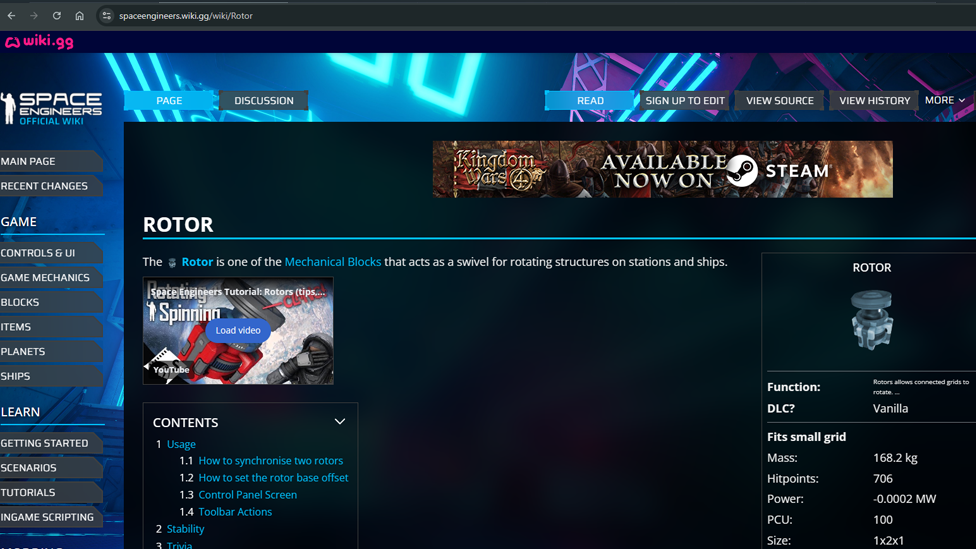
The Space Engineers wiki is also a fantastic resource for comprehensive details on rotor settings, configurations, and their various applications. You can explore new project ideas and delve into the complexities of rotor mechanics using this community-driven resource's extensive documentation and in-depth explanations.
FAQ
Can I use rotors to create rotating platforms or bridges?
In Space Engineers, rotors make great building blocks for rotating platforms and bridges. You can build dynamic structures that revolve around a central axis by adding the required blocks to the rotor and modifying its settings. Your works can become more sophisticated and interactive by utilizing original gaming mechanisms and architectural styles made possible by this.
Are there any restrictions on the types of blocks that can be attached to rotors?
Rotor attachment is generally possible for the majority of grid-based blocks. This covers a range of structural elements, weapons, functional building blocks, and even additional rotors. It is important to keep in mind that some blocks can have restrictions when attached to rotors.
For instance, some large-scale constructions or very heavy things can cause stability problems or be able to do more than the rotor is capable of. To ensure stability and best performance, it's crucial to take into account the weight, size, and complexity of the blocks you wish to attach to rotors.
Can I control the rotation speed and direction of the attached blocks?
You do have fine control over the direction and speed of the blocks' rotation around the rotors. You can modify the rotational speed of the rotor in the terminal interface to get the desired result. You can also specify whether the rotation will be in a clockwise or counterclockwise orientation. With this degree of control, you can precisely control how your buildings move and produce eye-catching visual effects.
How can I create retractable landing gear using rotors?
A frequent use of rotors in space engineering is retractable landing gear. Attach landing gear blocks to a rotor and change the settings of the rotor to regulate the extension and retraction of the gear to construct this device. You may easily raise or lower the landing gear by turning on the rotor, making takeoffs and landings simple. This gives your vehicles or bases more utility and realism.
Can I build rotating turrets using rotors?
Definitely! Rotors offer a great basis for building rotating turrets in Space Engineers. You can build turrets that can follow and engage targets in a certain range of motion by mounting weapon systems, such as gatling guns or missile launchers, to rotors.
Combining this with sensor blocks and programmable blocks will improve the turret's functionality and allow it to automatically recognize and engage hostile creatures.
Are there any considerations for stability when using rotors in multiplayer or dedicated servers?
Compared to single-player sessions, rotors can be less stable in multiplayer or dedicated server scenarios. In multiplayer games, the physics simulation and network synchronization may cause rotors to move or vibrate unexpectedly, which could result in unpredictable behavior or self-destruction.
Use rotor-based structures sparingly, test frequently, and frequently backup your work to reduce these risks and guard against potentially disastrous failures.
Can I connect multiple rotors together to create more complex mechanisms?
You can create complex, multi-tiered devices by joining several rotors together. You can build intricate systems with interdependent rotations by daisy-chaining rotors and adding blocks to each rotor in the chain.
This offers up a vast number of design options, enabling you to create complex devices with spinning arms, interconnected gears, or coordinated movements amongst various components.