How to Authorize Your Hytale Server
How is Authentication done?
The first step is to go to Scalacube.com and log into your account.

Once logged in, go to "Servers" page and click on "Manage Server".
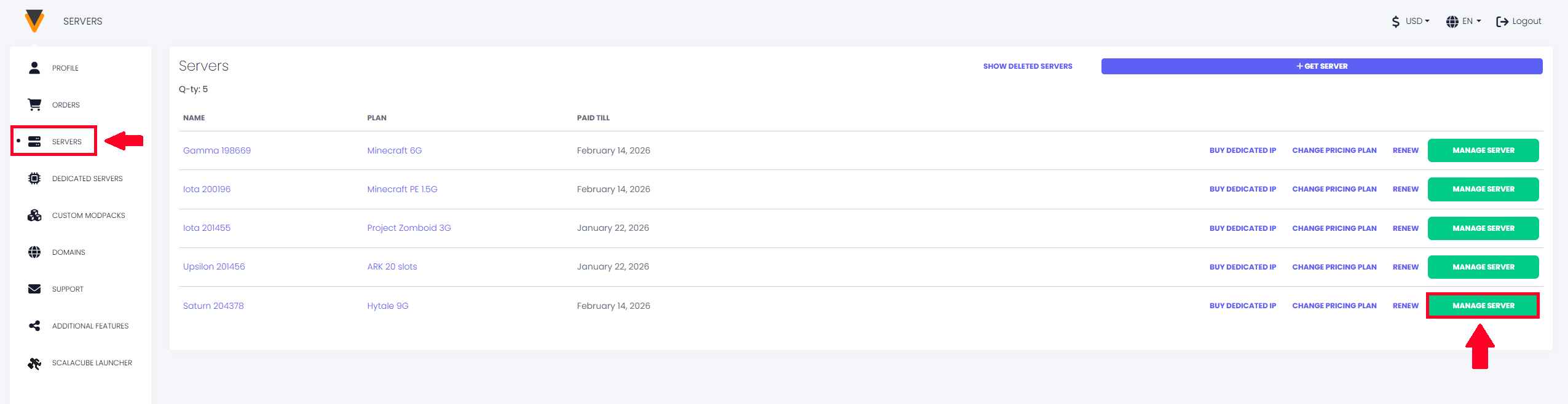
If no game server is installed, install one.
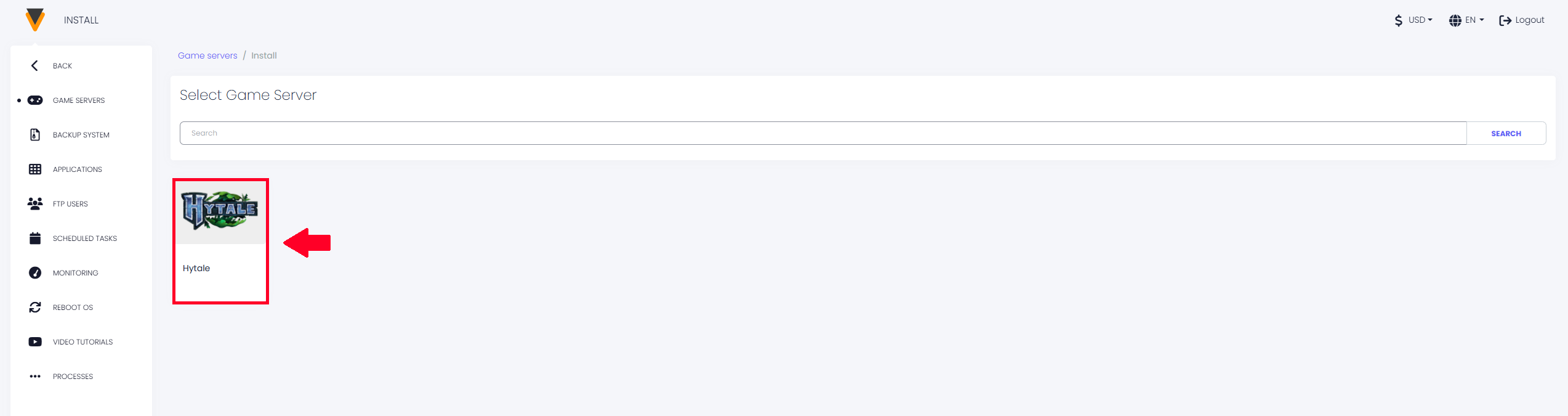
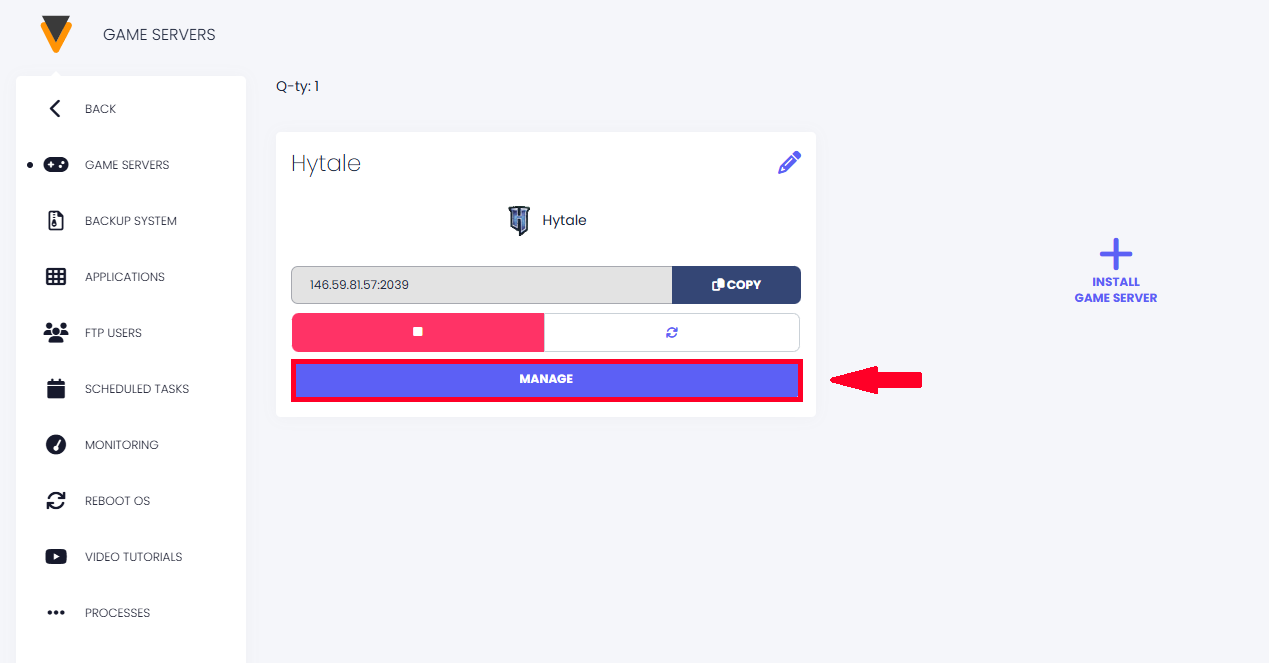
Once your game server is installed, click on "Manage".
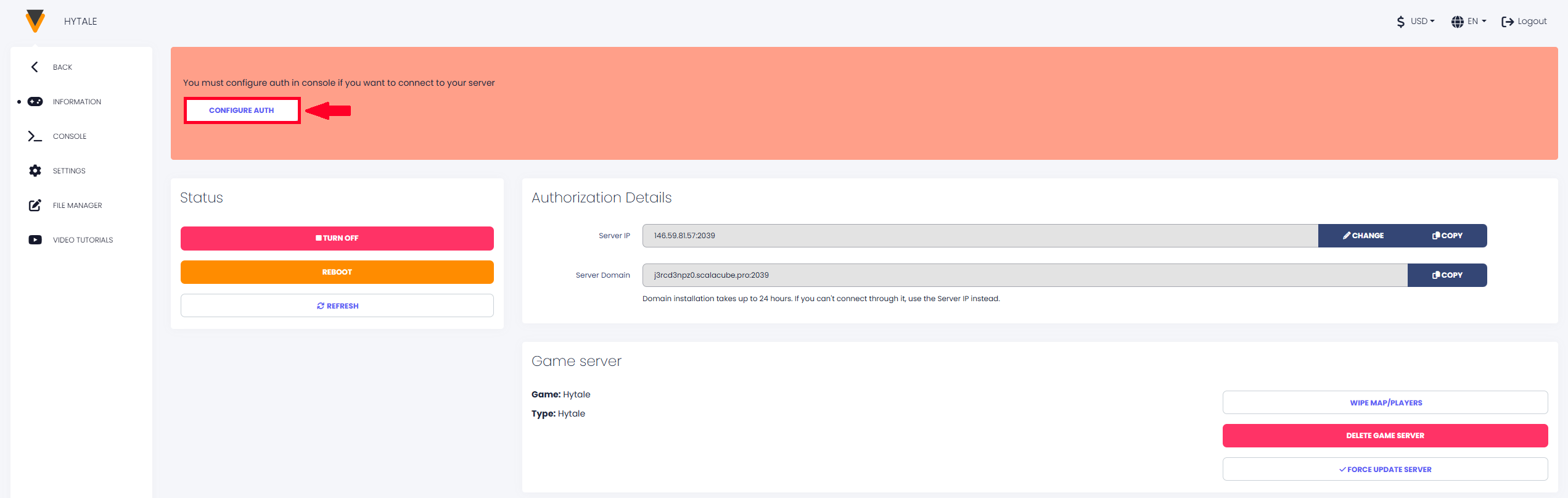
You will then have to Authorize your Hytale server so that you and your friends can connect successfully. To do this, click on "Configure Auth".
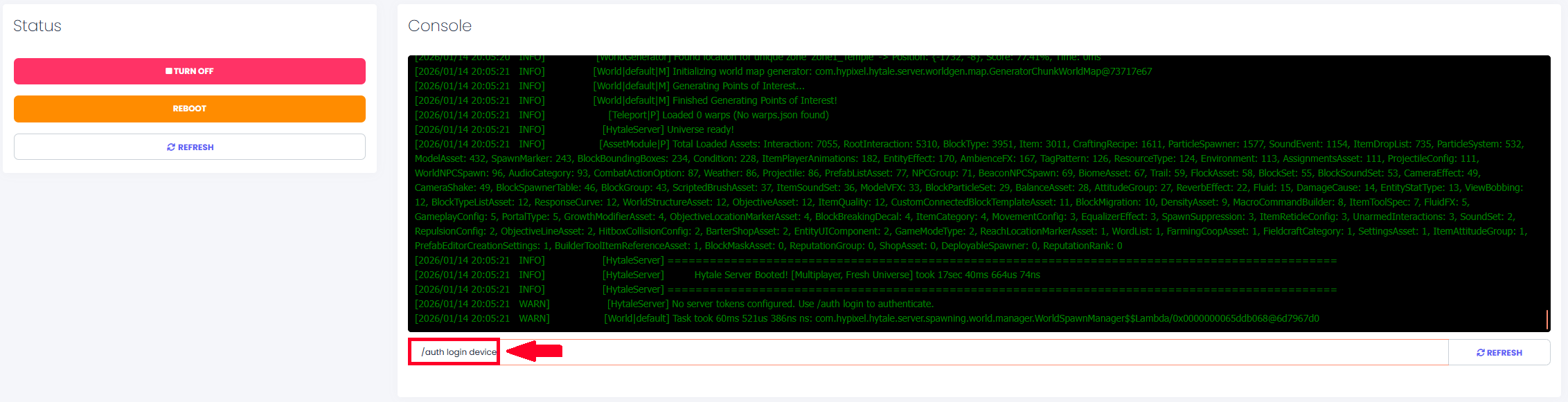
When at the console page, type in the command "/auth login device" and press ENTER.
You will then be prompted a link to Authenticate, copy the URL and go to the page.
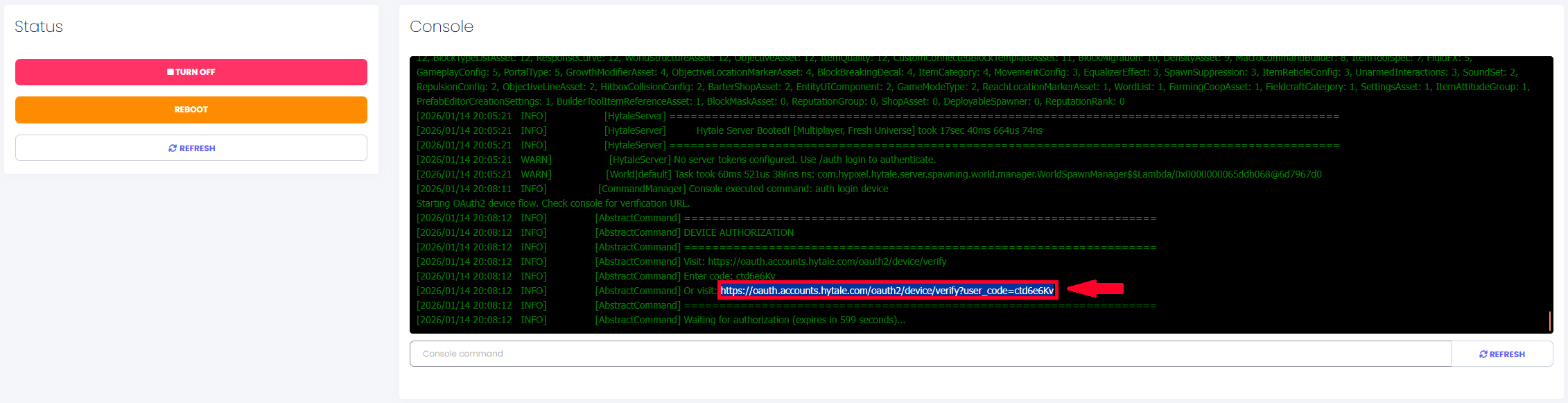
You will then be required to Authenticate via your Hytale account.
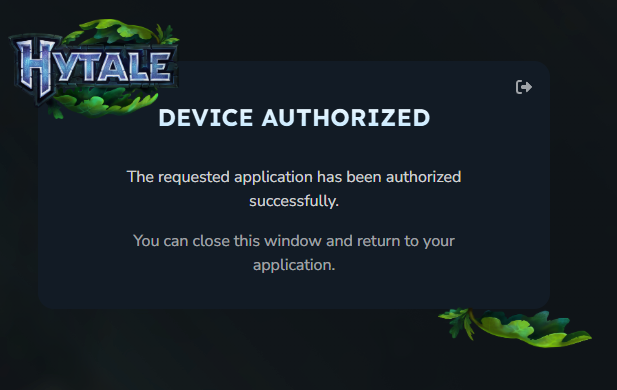
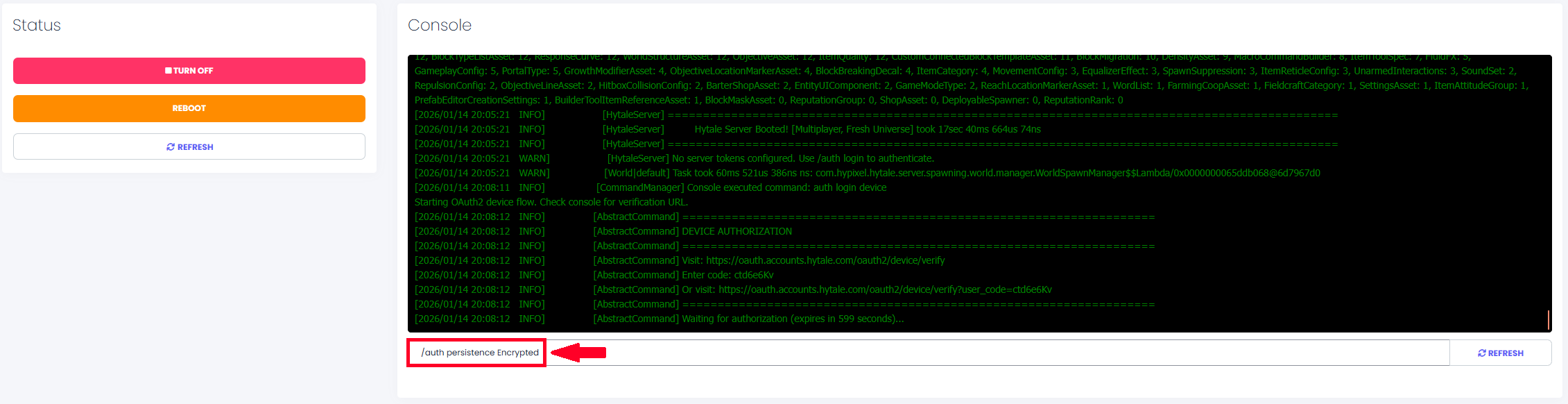
Once Authentication is complete, you can close this page and go back to the server console. In the server console, type in "/auth persistence Encrypted" and press ENTER - this is done so that Authentication is saved and on server reboot this process will not have to be done again.
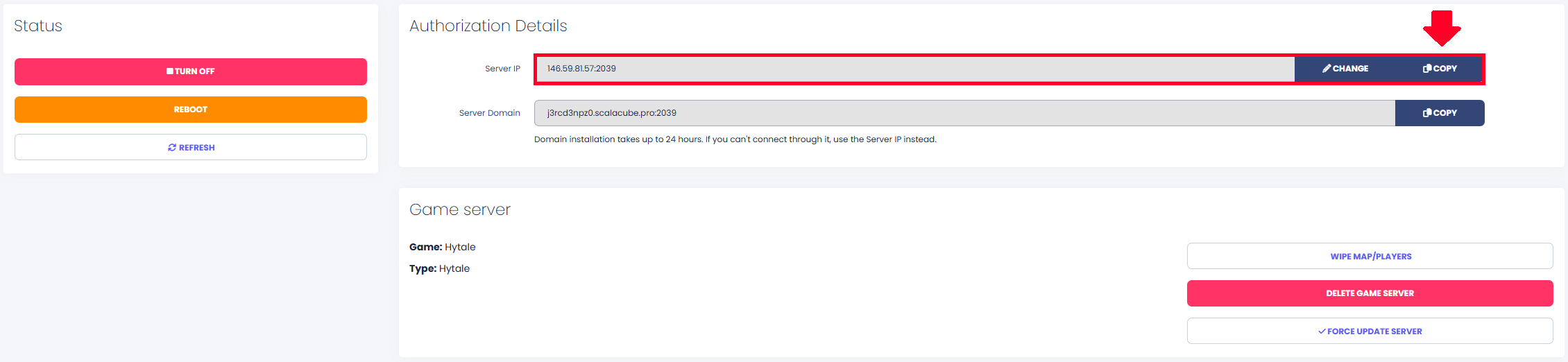
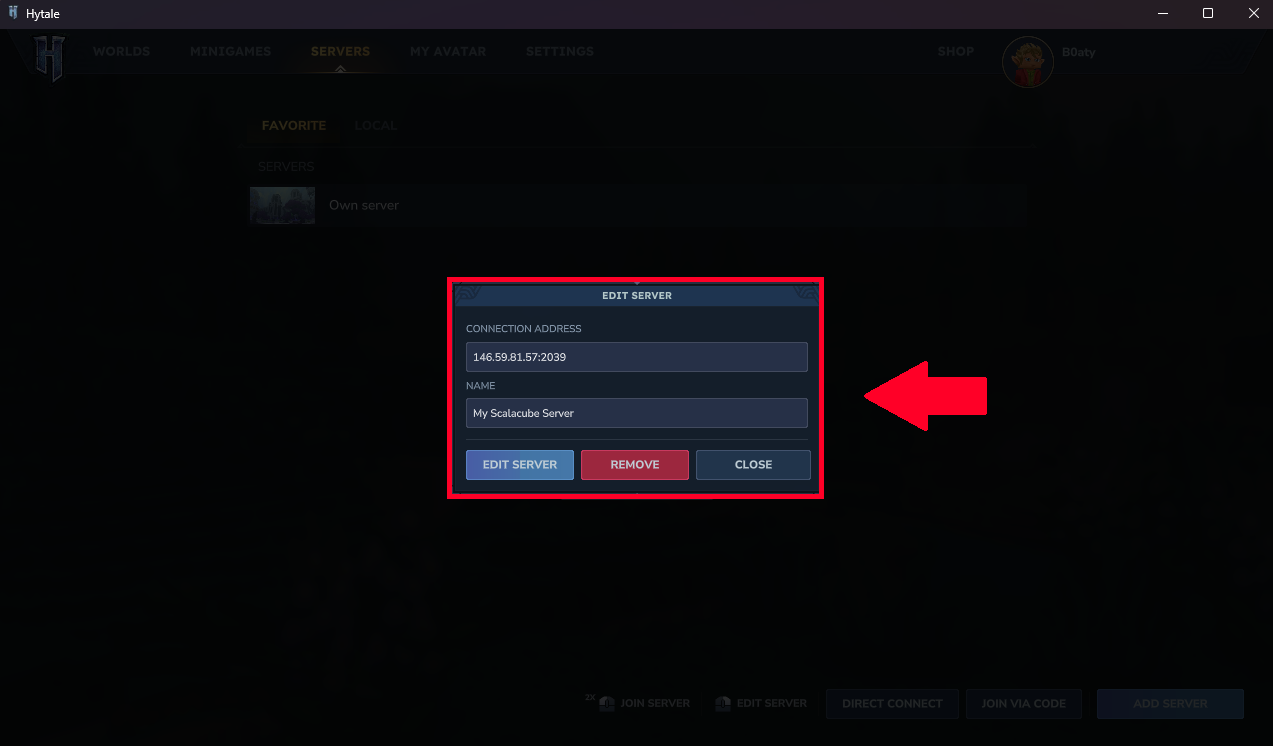
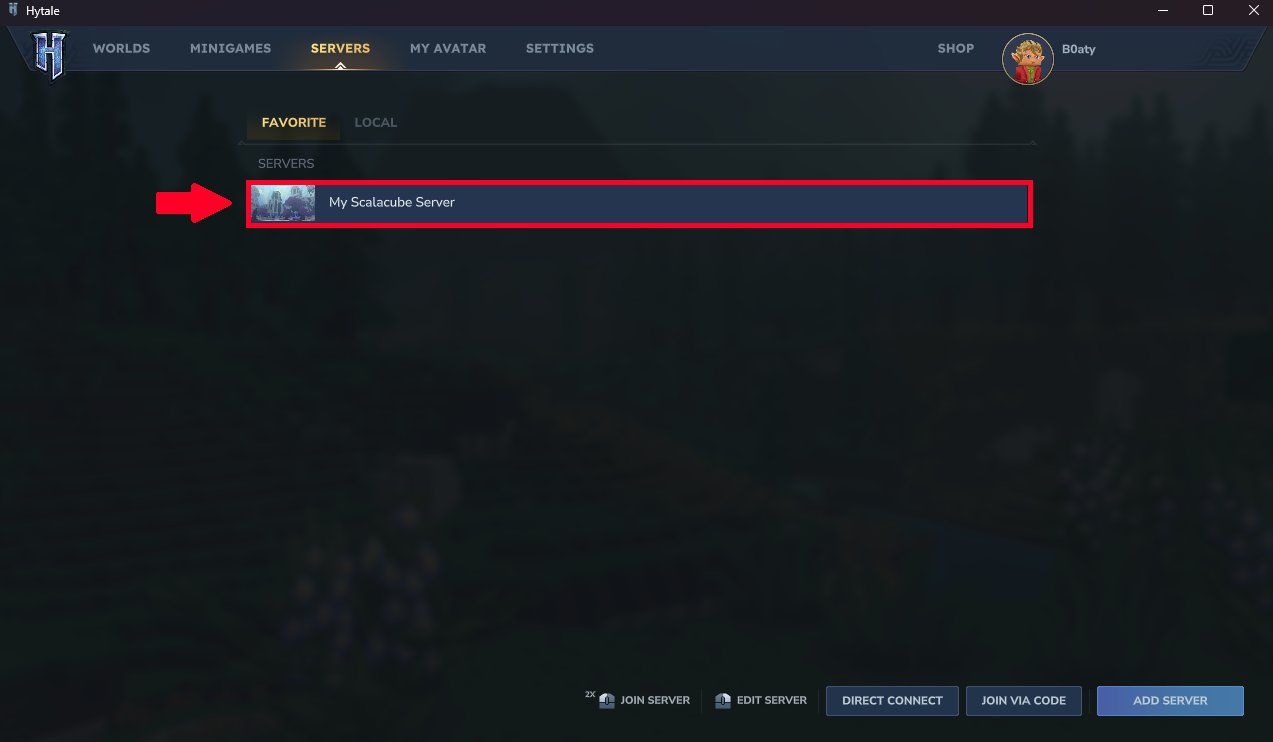
Now, since Authentication is complete, you and your friends can copy the server IP address and connect to the server with ease.