How to Change Player and Pal Names in Palworld
When you start a new adventure in Palworld, especially if this is your first time playing the game, it can feel a little tricky to quickly come up with the perfect Player and Pal Names for your characters. Given this thought, you may well want to change your characters’ names at some point during the game - and luckily, Palworld gives you the option to rename both your player and your team alike. So, without further ado, we’ll be exploring this idea today to help you find out more about naming your Player and Pals and how to do so.
Why Change Names in Palworld?

Make Your Own Palworld Server
Before we go any further, we should probably first ask the simple question: why might you want to change your Player or Pals’ names in Palworld, anyway? Well, there are a few reasons that you might want to do so, but generally, this will just come down to personal preferences. Sometimes, you might find a player name that just fits better than your first choice; meanwhile, you may want to rename your Pals to reflect their roles or stats, making it a little easier to select your team. And then, of course, there’s the obvious example of just fixing mistakes; indeed, if you rushed through setup, you can always go back and correct typos or choose something you prefer.
How to Change Your Player Name
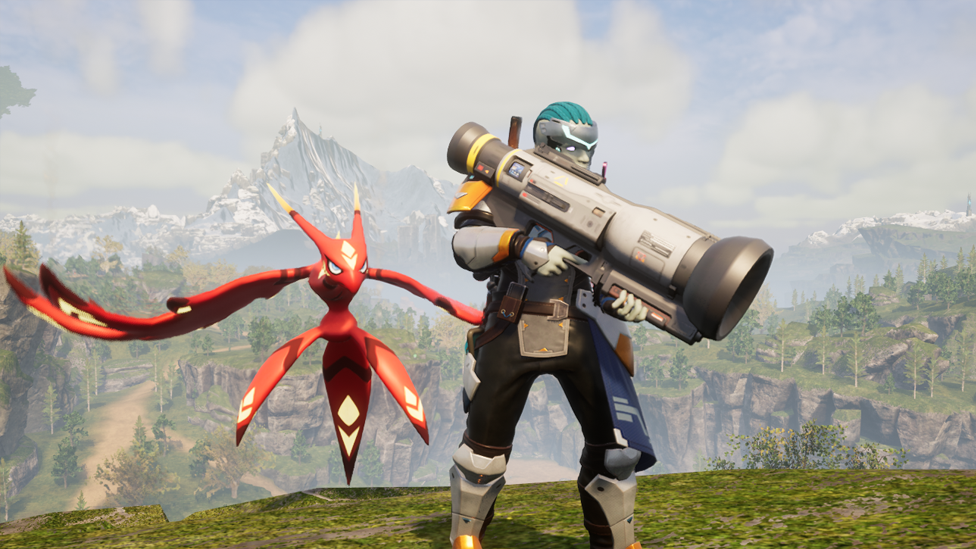
Chances are, renaming your player will probably be the first point of concern for many people; indeed, it’s much more likely for someone to need to change their player’s name, whereas many people will keep their Pals’ names as they are. Unfortunately, though, this isn’t something that’s currently supported in Palworld, and as such, you won’t be able to change your player name after the original character creation menu. With that being said, the developers for Palworld have been hinting at the possibility of introducing the ability to edit your character after their original creation. Given this thought, it’s worth keeping this in mind. Still, if you’re not happy with your character’s name, the only way to change it for now is to start a brand new game; fortunately, this does offer the opportunity to launch your game on a private ScalaCube Palworld server, which boasts 24/7 uptime and exceptional server stability, so it’s not all bad news!
How to Rename Your Pals
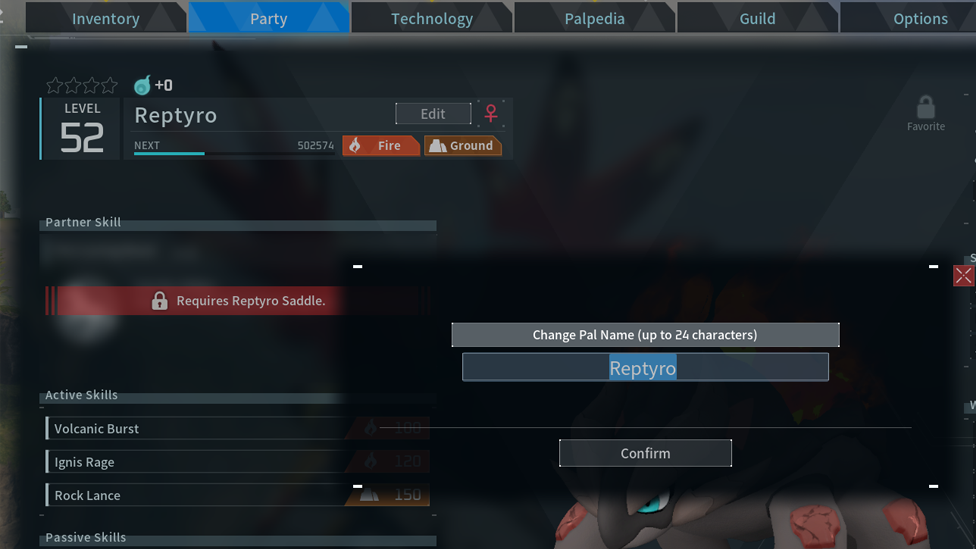
There’s no way to rename your character in Palworld at the moment sadly. However, changing Pal names is fortunately much more simple and can be done directly from your Pal’s page. On the top left of the page, by their current name, you’ll see a blue box with the word “Edit.” Clicking this will allow you to edit the name of your Pal at any time, making it a quick and easy way to customize your Pals and give them fun new nicknames or descriptive names. Just keep in mind here that you’ll be limited to a maximum of 24 characters for your Pal’s new name, so you can’t use just anything for your Pal’s name.
FAQs
Can I change my character’s name in Palworld?
Unfortunately, no. At the moment, there is no supported way to change your character’s name in Palworld. However, it should be noted here that the developers are looking into the possibility of making editing your character (aside from the character creation screen) an option, so this may change.
Can I change my Pals’ names in Palworld?
Yes! You can change your Pals’ names in Palworld easily by heading to their page and then selecting the “Edit” option next to their current name. However, keep in mind that this can only be done for your Pals, not your characters themselves.
What is the character limit for Pal names in Palworld?
The character limit for names in Palworld is 24 characters, including any spaces.
Final Thoughts
While your character’s name will be set in stone once you start a new game, it is possible in Palworld to change and customize your Pals’ names - and, to this end, learning how to change Pal names in Palworld is a small but handy feature. In turn, this can allow you to manage your Pals more effectively, or simply give them fun new names as and when you see fit!