How To Change Palworld Server General Settings
The first step is to go to Scalacube.com and log into your account.

Then find your server under "Servers" tab and click "Manage Server".

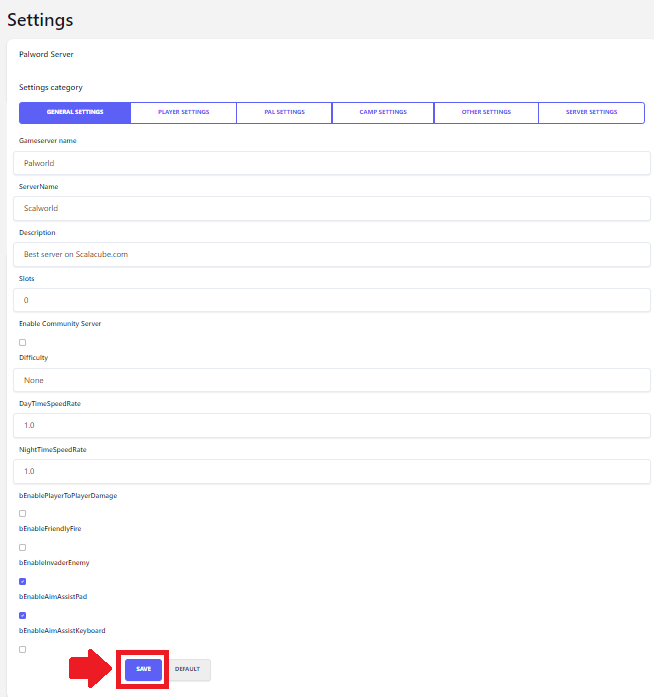
After finding your server and using the "Manage" button find "Settings" on the left side menu.

Change your settings and click "Save" after making the changes for them to apply.
Once this is all completed, reboot your server for the changes to take full effect.

Summary:
- Log In
- Manage Server
- Find Settings
- Change Settings and save
- Reboot